Shopify
Recommendations for your Shopify store, without code
Install the app, place the blocks in the theme editor, and see what recommendations earn right inside your Shopify admin.
Available on request while we prepare the Shopify App Store listing.
Up and running in minutes
Install and connect
Install the app and connect it to your Rankrake account.
Your catalogue syncs itself
Products are imported on connect and kept up to date as you add, edit or remove them.
Add the blocks
Drop recommendation blocks on product pages, the cart, collections and the home page from the theme editor.
Watch the results
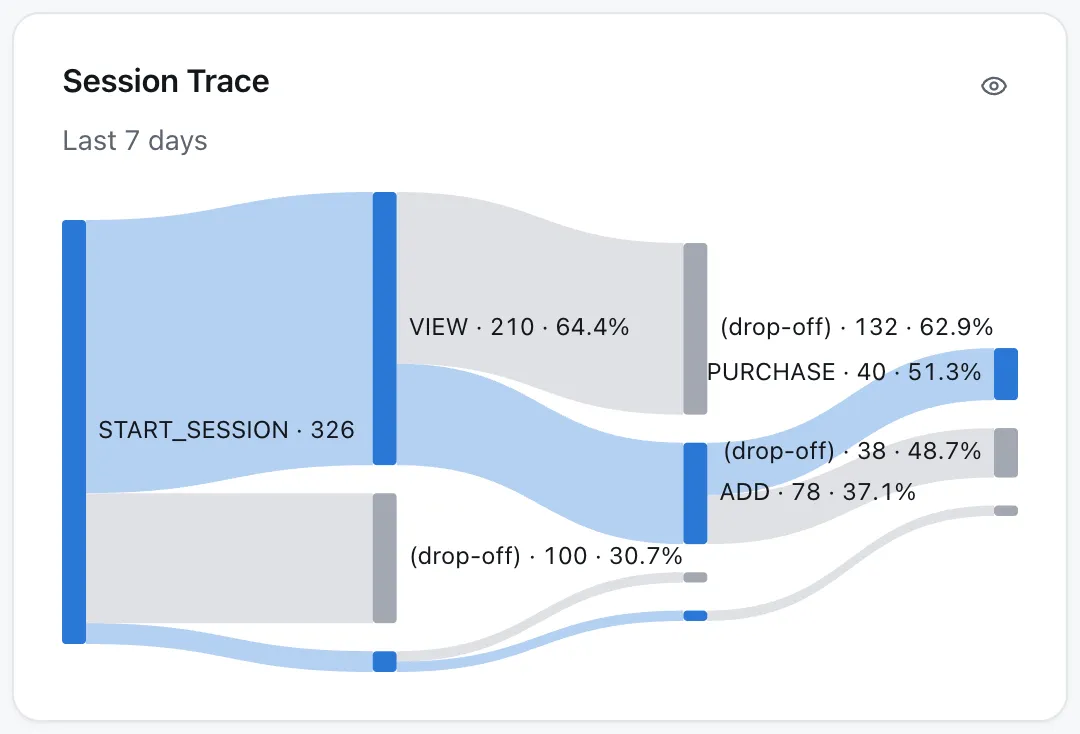
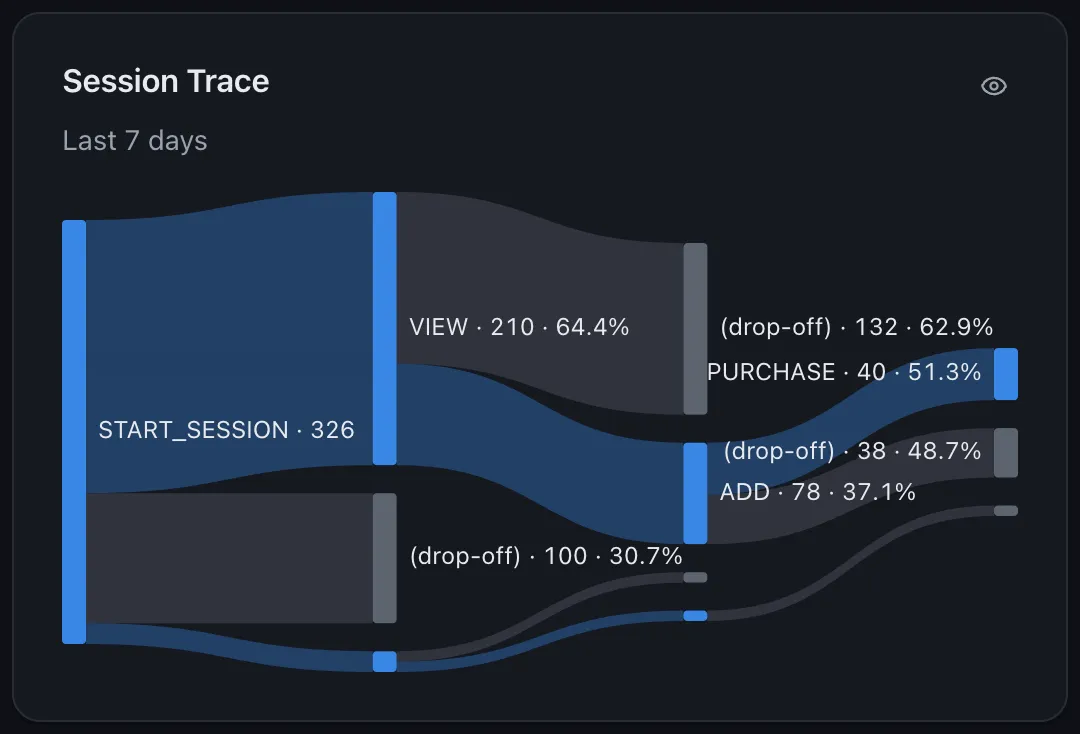
Clicks, carts and orders from recommendations appear in the dashboard inside your Shopify admin.
Made for how Shopify works
Order lines, not guesses
A recommended product that goes into the cart is marked on its cart line, and the order is credited line by line at checkout.
Variants and prices
Sizes, colours and sets are tracked as variants of their product, with the price the shopper actually paid.
Your consent banner
Rankrake follows the visitor's choice through Shopify's own privacy settings, whatever banner your store uses.
Matches your theme
Blocks inherit your theme's look, and you choose the title, how many items to show and whether to show prices.